
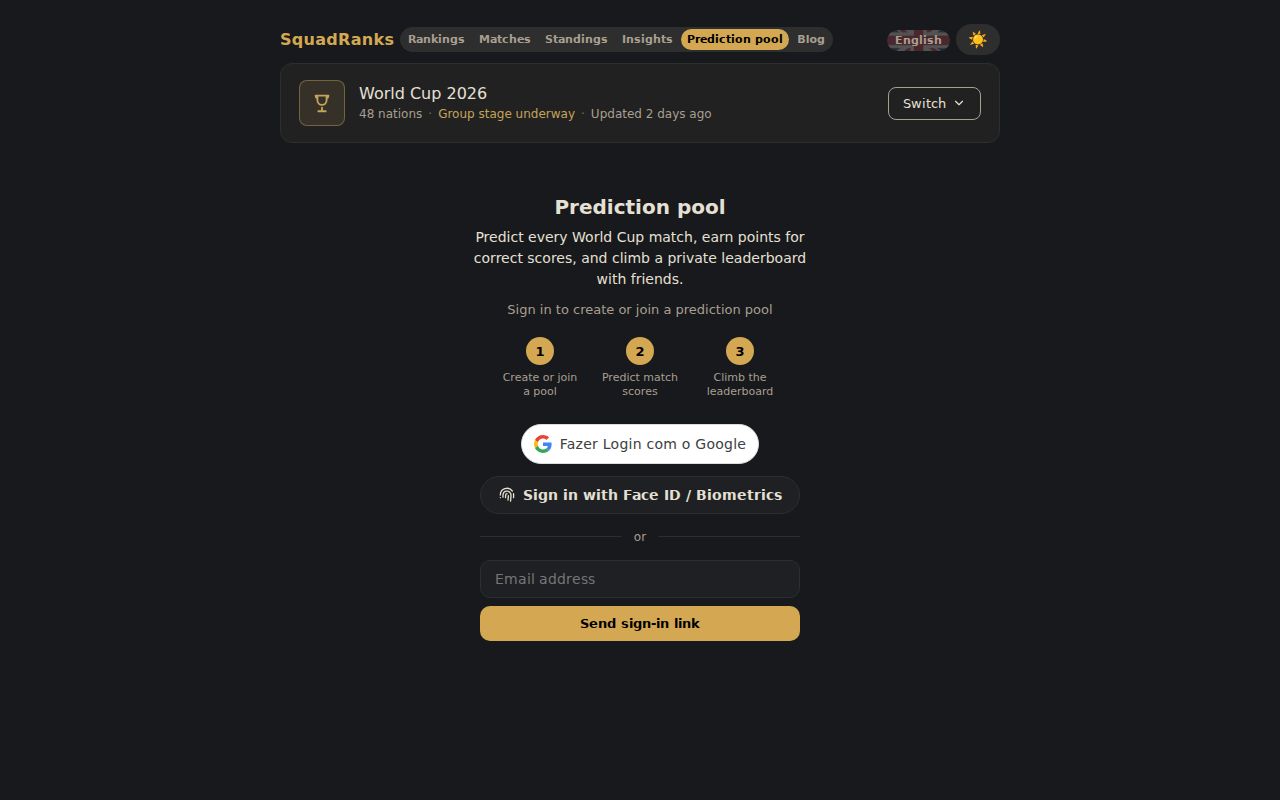
Setting up a prediction pool on SquadRanks takes about a minute: sign in, name the pool, share the invite code. The tournament does the rest. This walkthrough covers the whole loop for the 2026 World Cup, and the same pool engine will carry the competitions that follow it.
This is the how-to. If you want the scoring theory, read how the tiers and the odds multiplier decide pools after you have your group in.
Open squadranks.com, pick the Prediction pool tab, and sign in. Three options: Google, a passkey (Face ID or fingerprint), or a sign-in link sent to your email. There is no password to create.
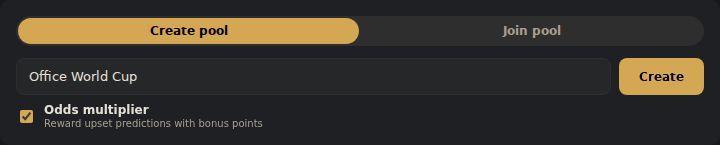
The Create tab is the default. Type a name and decide one thing before you click Create: the odds multiplier. Leave it on and correctly called upsets pay extra, scaled by how unlikely the market thought the result was. Leave it off and every correct prediction pays flat. Pools that reward reading the game over picking favorites keep it on.
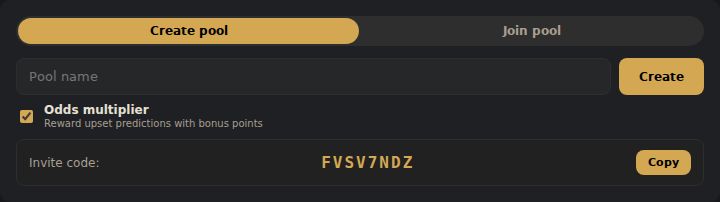
The invite code appears immediately. Eight characters, no ambiguous letters, one tap to copy.
Your new pool shows in your list with a Creator badge and a live member count.

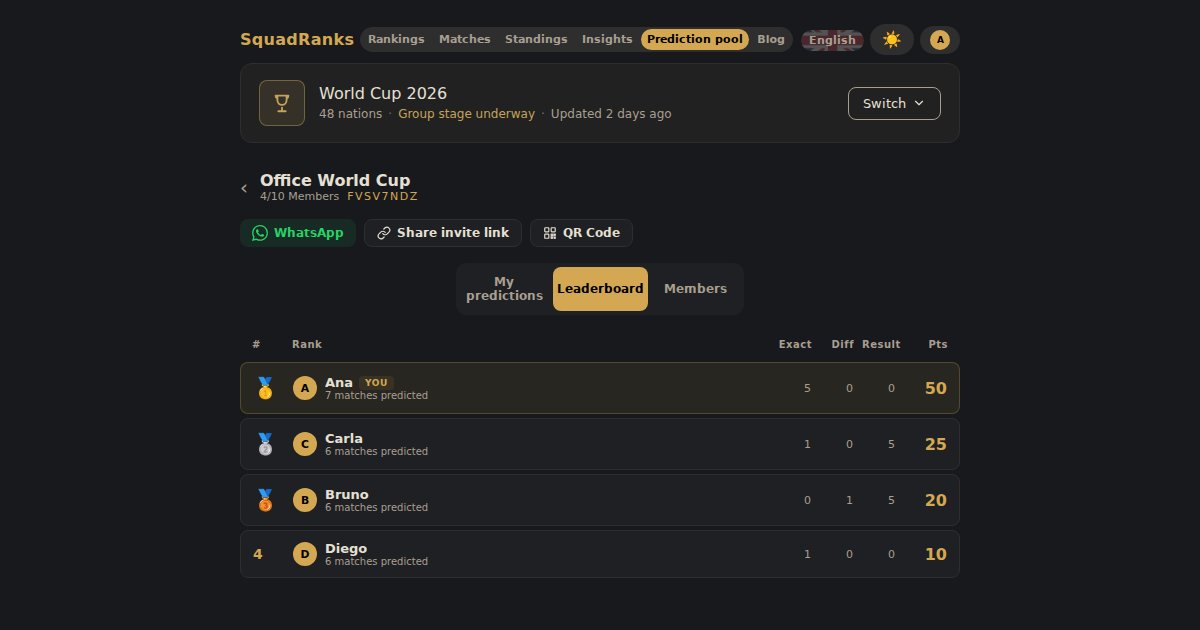
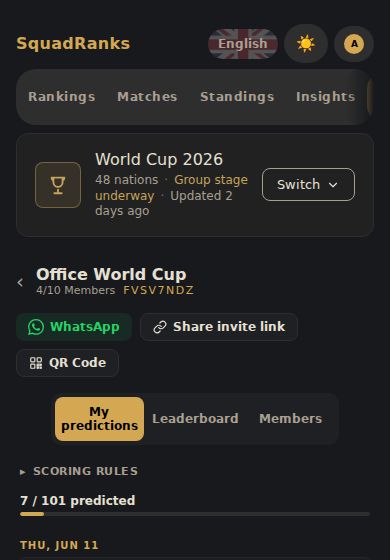
Open the pool and the share row sits under the name: WhatsApp, a copyable invite link, and a QR code. The link carries the code, so whoever clicks it lands one tap from joining. The QR code covers the people standing next to you, and it downloads as an image if you want to drop it in a group chat.
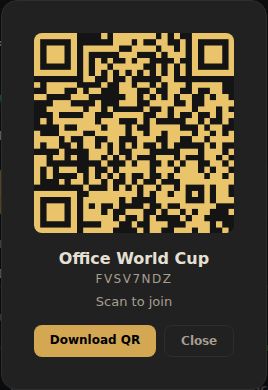
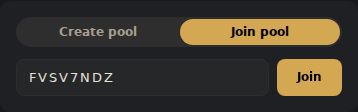
Anyone with the code joins from the same screen you created the pool on: Join tab, paste the code, done.
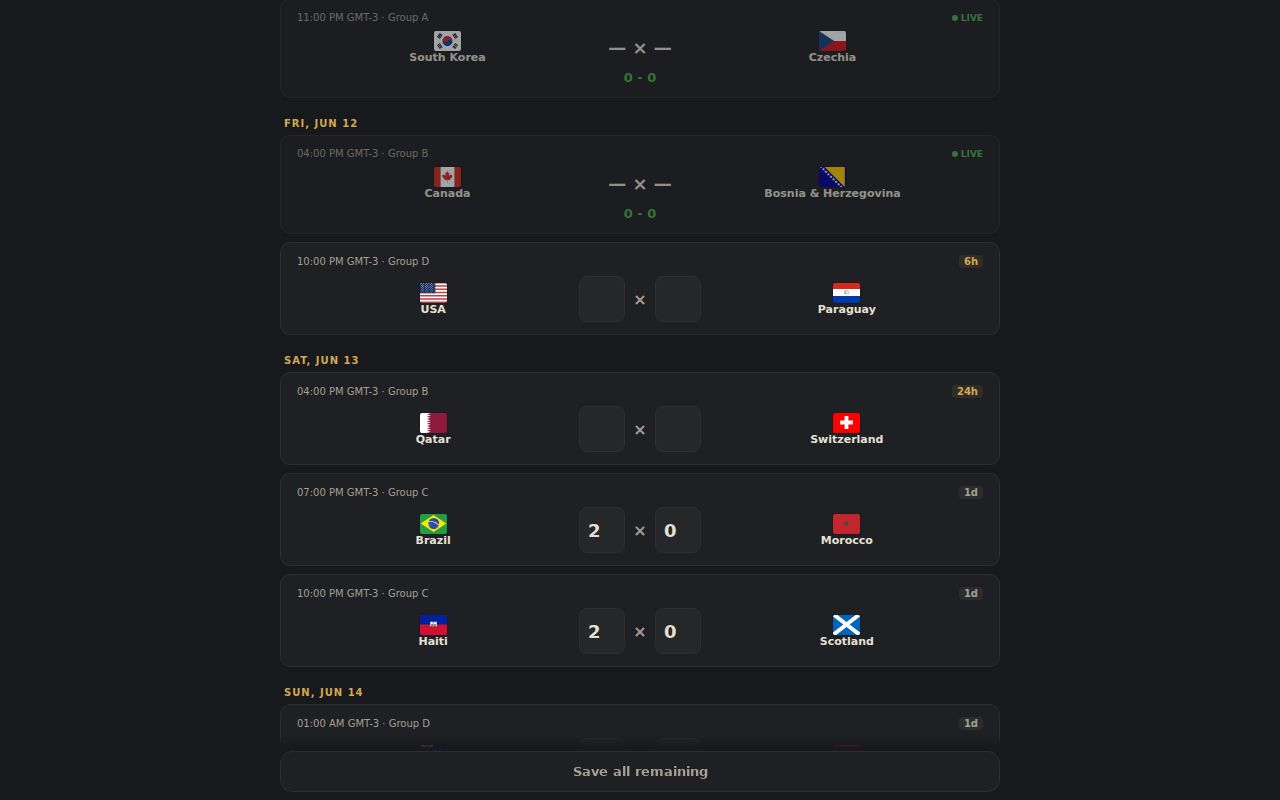
The predictions tab lists every match grouped by date. Each card shows the kickoff, the stage, and a deadline badge that counts down: days out, then hours, then minutes. Type both scores and the prediction saves itself. The Saved tick confirms it, and a progress bar at the top tracks how much of the tournament you have covered. A Save all remaining button at the bottom commits everything you have typed in one go.

Knockout matches add one decision: who advances. The pick pays a bonus of its own when your team goes through, and on a predicted draw it is the only part of the card that says who survives extra time or penalties.

Every prediction locks at that match's kickoff. Miss one deadline and the rest of the tournament is still open, which is also why joining late costs a few matches, not the pool.
The leaderboard ranks the pool by points and breaks down where they came from: exact scores, correct goal differences, correct results. An exact score pays the most, the right margin less, the right winner less again, and the odds multiplier scales the payout when the result was an upset. Medals mark the podium and the YOU badge marks your row.
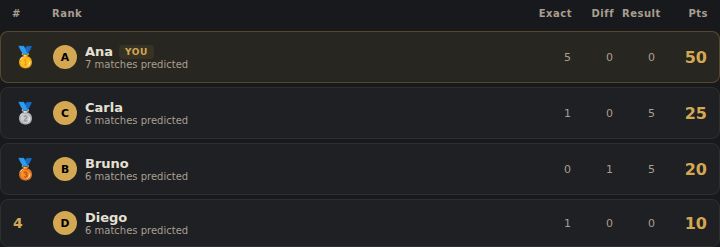
When a match finishes, each card shows the final score and what your prediction paid.

There is nothing to administer. Results sync as matches finish, scoring runs automatically, and the leaderboard updates on its own. The Members tab shows who has predicted how many matches, which is the polite way of finding out who in the group has not done their picks before a matchday.
The group stage is where pools are decided, because it produces the draws and the upsets nobody backs. Get your group in before the next round of fixtures: the player who calls one 1-1 this week will still be living off it in the quarter-finals.